Skip to content
TechValuePlus

Power BI dashboards

Reports that answer your management questions

We design interactive Power BI dashboards around the decisions you make every week — projects, sales, finance or people — with clear KPIs and a model you can trust.

What the service covers

  1. 1

    Report goals and KPIs

    We agree who uses the report, what questions it answers and how each KPI is defined.

  2. 2

    Data preparation and connection

    We prepare and connect the data sources within the agreed scope.

  3. 3

    Data model and calculations

    A clean model with measures that produce consistent numbers across pages.

  4. 4

    Interactive report design

    Clear pages, filters and drill-downs designed for how your team reads data.

  5. 5

    Results review

    We reconcile figures with you against known totals before sign-off.

  6. 6

    Handover

    We deliver the report with guidance on using and refreshing it, within the agreed scope.

What you receive

  • The Power BI report file (PBIX), or the report published in your environment, as agreed.
  • Definitions of the agreed KPIs and their data sources.
  • Written guidance on refreshing the data and using the report.

Final deliverables and scope are set in the quote. The samples on this page are web previews; what we deliver is a Power BI report built on your data.

Four illustrative dashboards

Open any sample to try the filters and read each chart in detail.

Illustrative design preview — not a live Power BI report. A web page with fictional data that shows the layout, KPIs and interactions. It is not connected to any data source.

For PMOs, contractors and consultancies

Project portfolio (PMO)

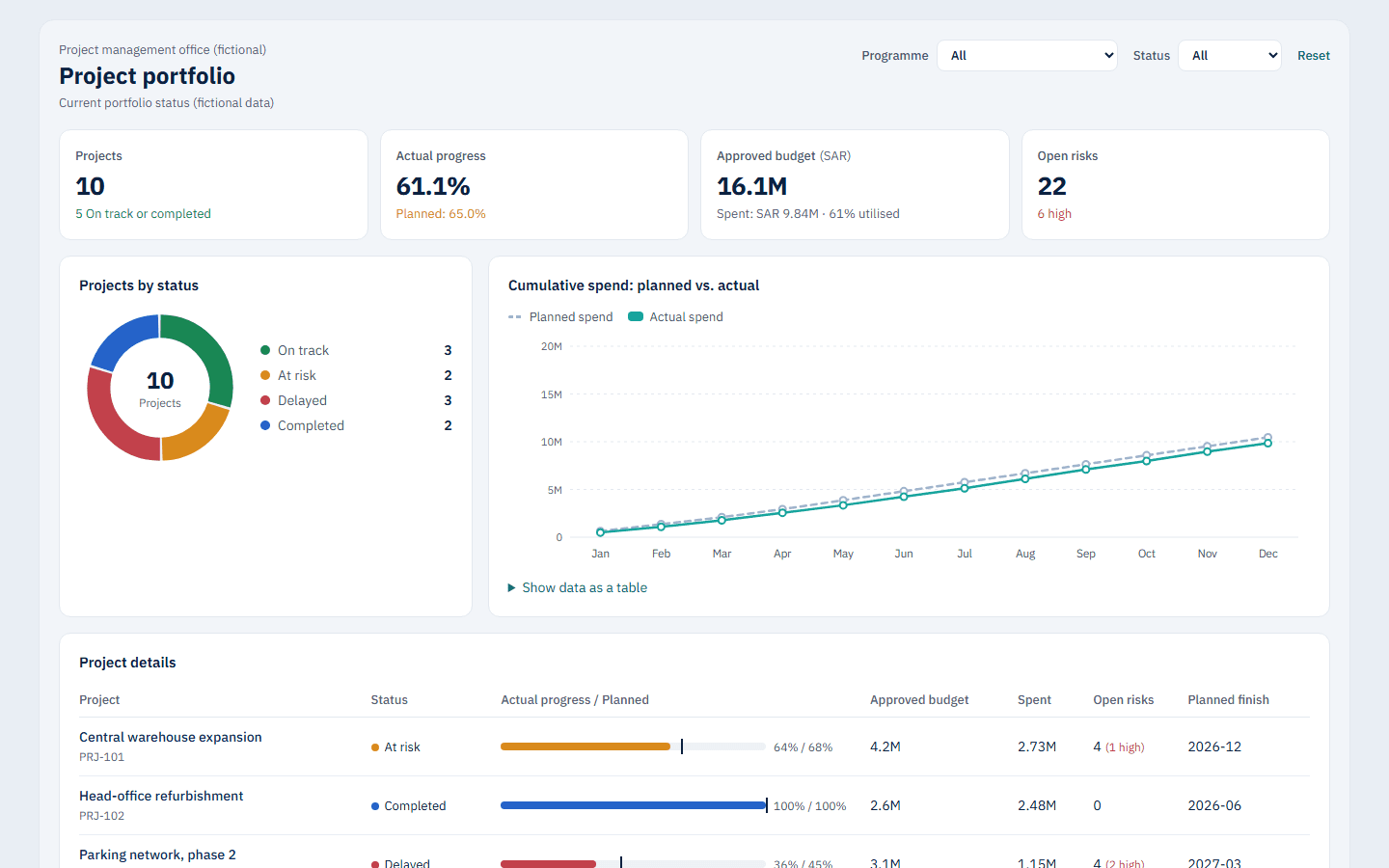
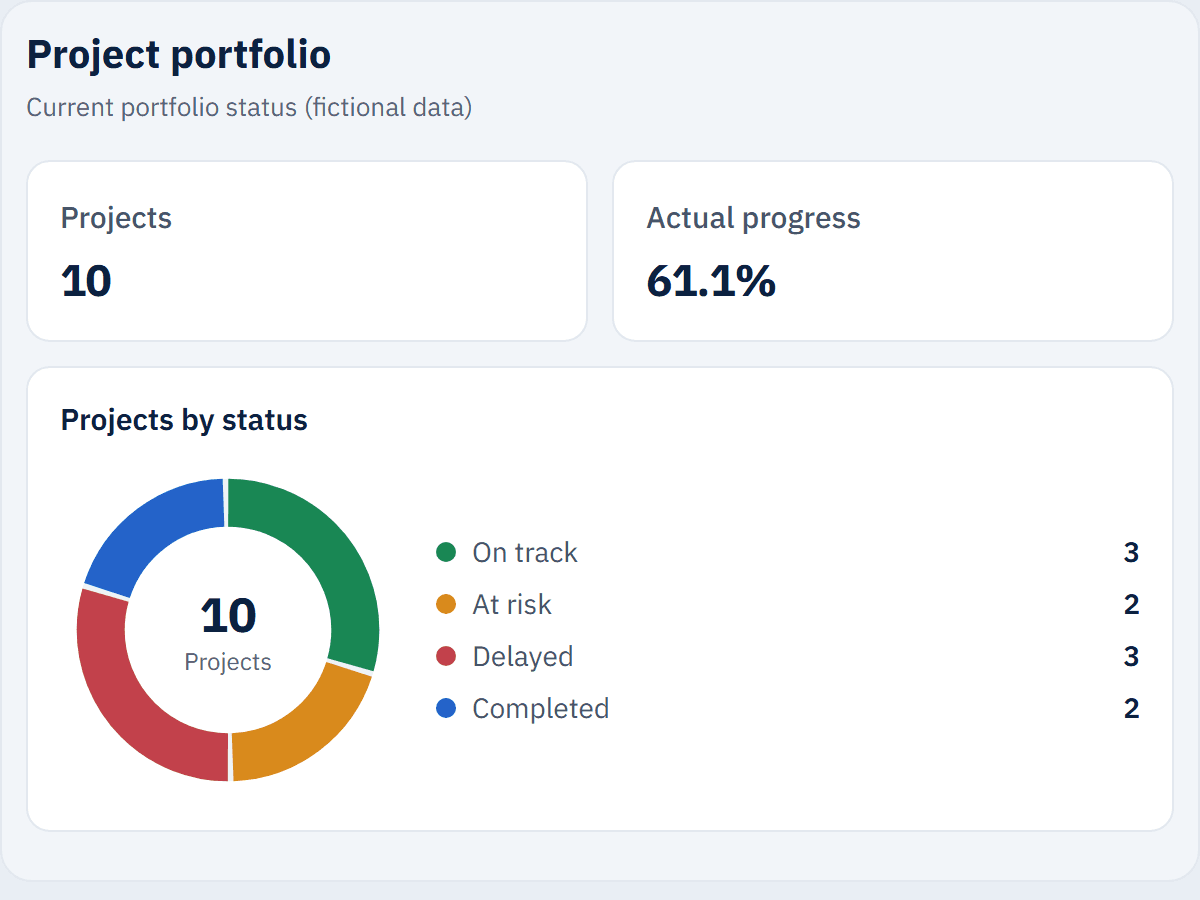
Follow the whole project portfolio on one page: planned vs. actual progress, budget, open risks and the status of every project.

Key indicators

  • Projects by status
  • Actual vs. planned progress
  • Approved budget vs. spent
  • Open risks

Possible data sources

Project plan in Excel · SharePoint risk lists · Microsoft Project or Planner · Costs from the accounting system

Examples only — the actual sources are agreed per project.
For sales and commercial teams

Sales performance

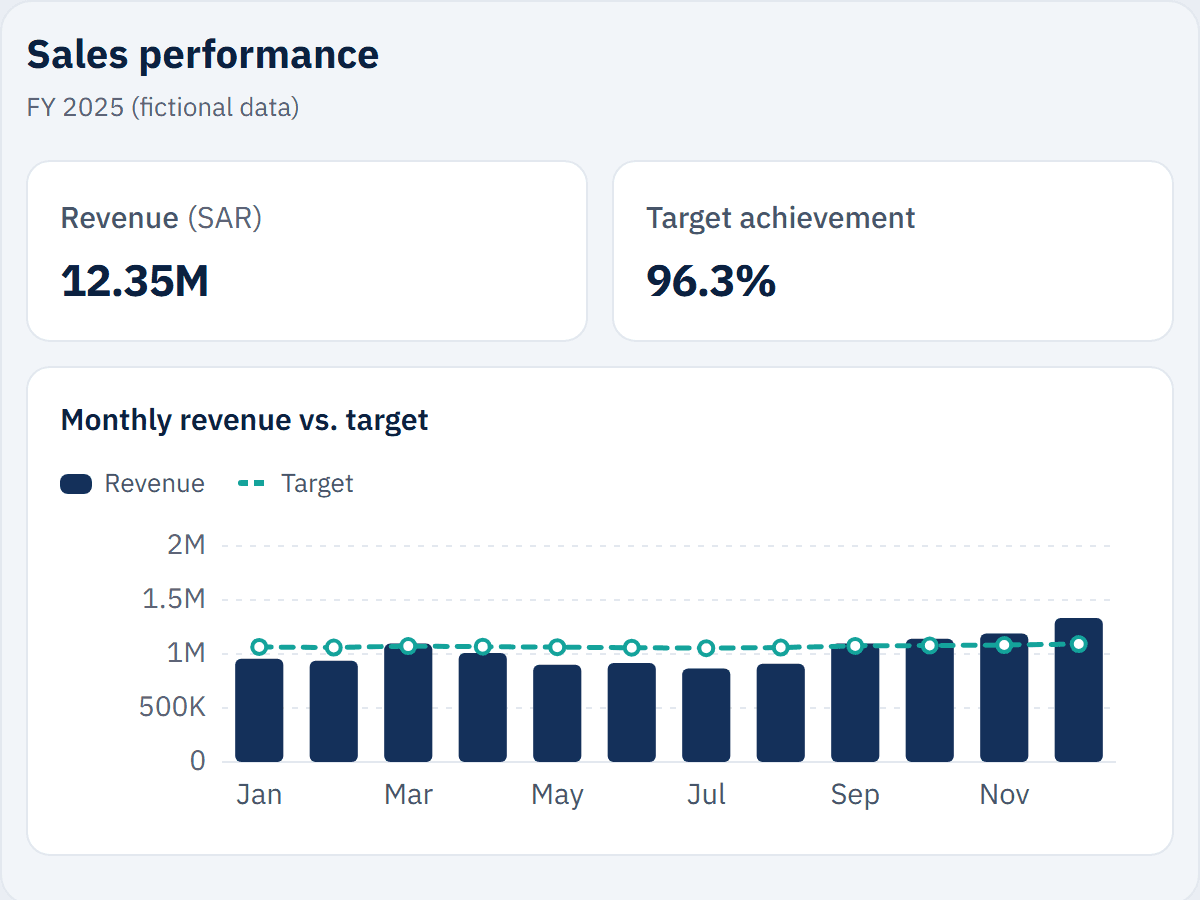
Monthly revenue against target, performance by region and product category, and average order value.

Key indicators

  • Total revenue
  • Target achievement
  • Number of orders
  • Average order value

Possible data sources

POS or ERP system · Targets in Excel · CRM system

Examples only — the actual sources are agreed per project.
For finance teams and management

Financial performance

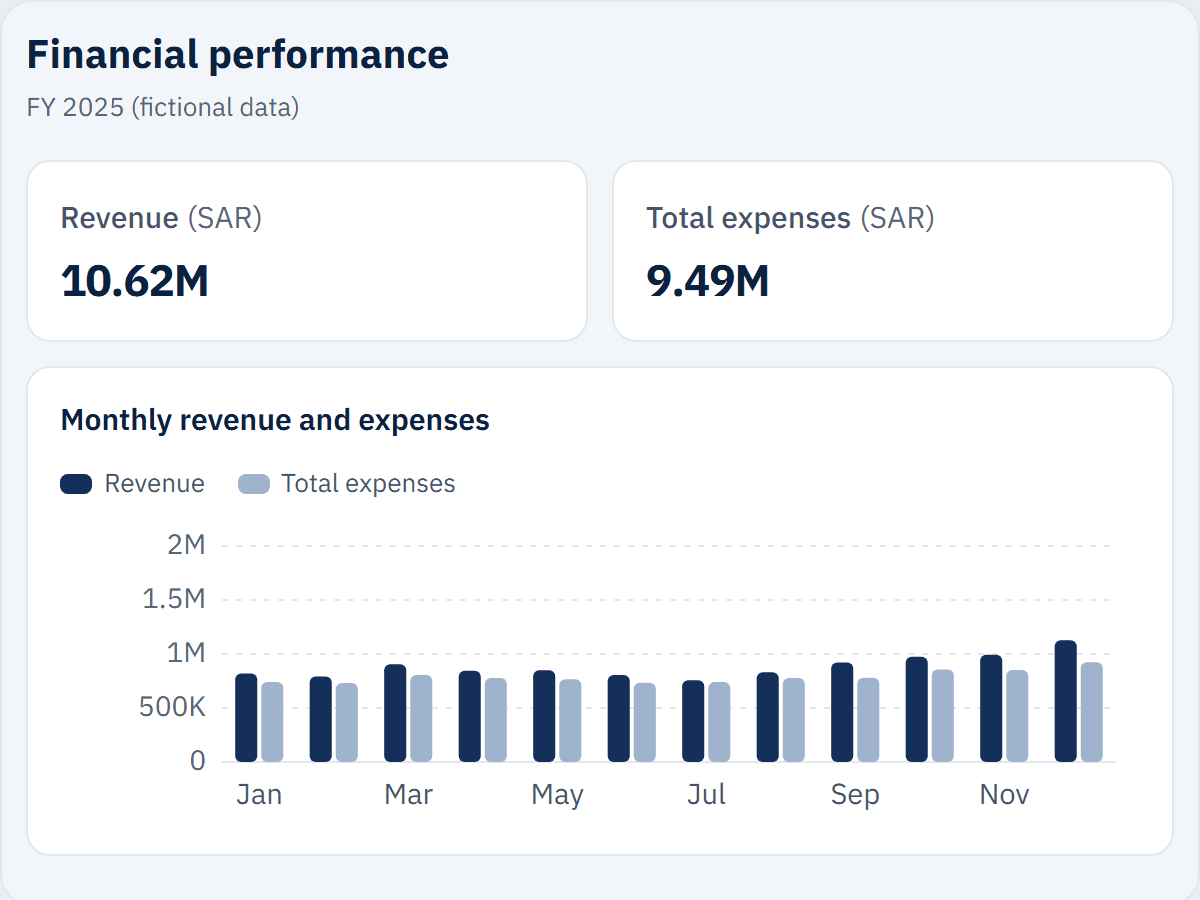
Monthly revenue, expenses, profit and margins, with an expense breakdown and actual vs. budget.

Key indicators

  • Revenue
  • Gross profit and margin
  • Net profit and margin
  • Actual vs. budget

Possible data sources

Accounting system · Budget workbook in Excel · Bank statements (CSV)

Examples only — the actual sources are agreed per project.
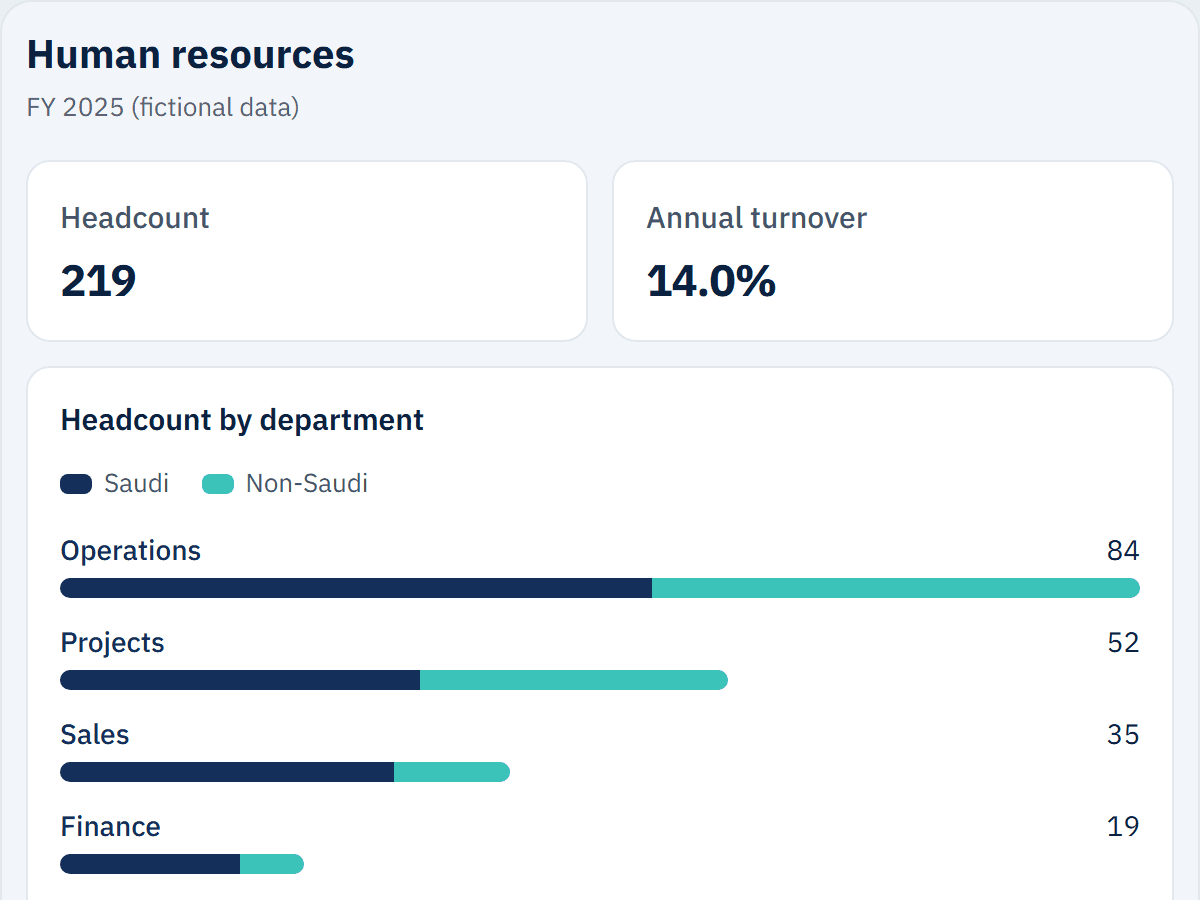
For HR departments

Human resources

Headcount by department, hires and exits, turnover rate, Saudization ratio and open positions.

Key indicators

  • Headcount
  • Turnover rate
  • Saudization ratio
  • Open positions

Possible data sources

HR and payroll system · Recruitment tracker in Excel · SharePoint lists

Examples only — the actual sources are agreed per project.

Have a report, a website or a process in mind?

Tell us briefly what you need. We will reply by email with questions or a written quote.